Books and mangaPrivate by defaultOpen source
Know your shelves, even in the shop.
Atomes keeps your Library of books and manga: every Volume you own, read or still miss. Scan a book in the shop and see at once if it is on your shelf. Your Library stays yours, on the AT Protocol.
Invite-only for now · Free · No ads, no tracking
Shelf Check
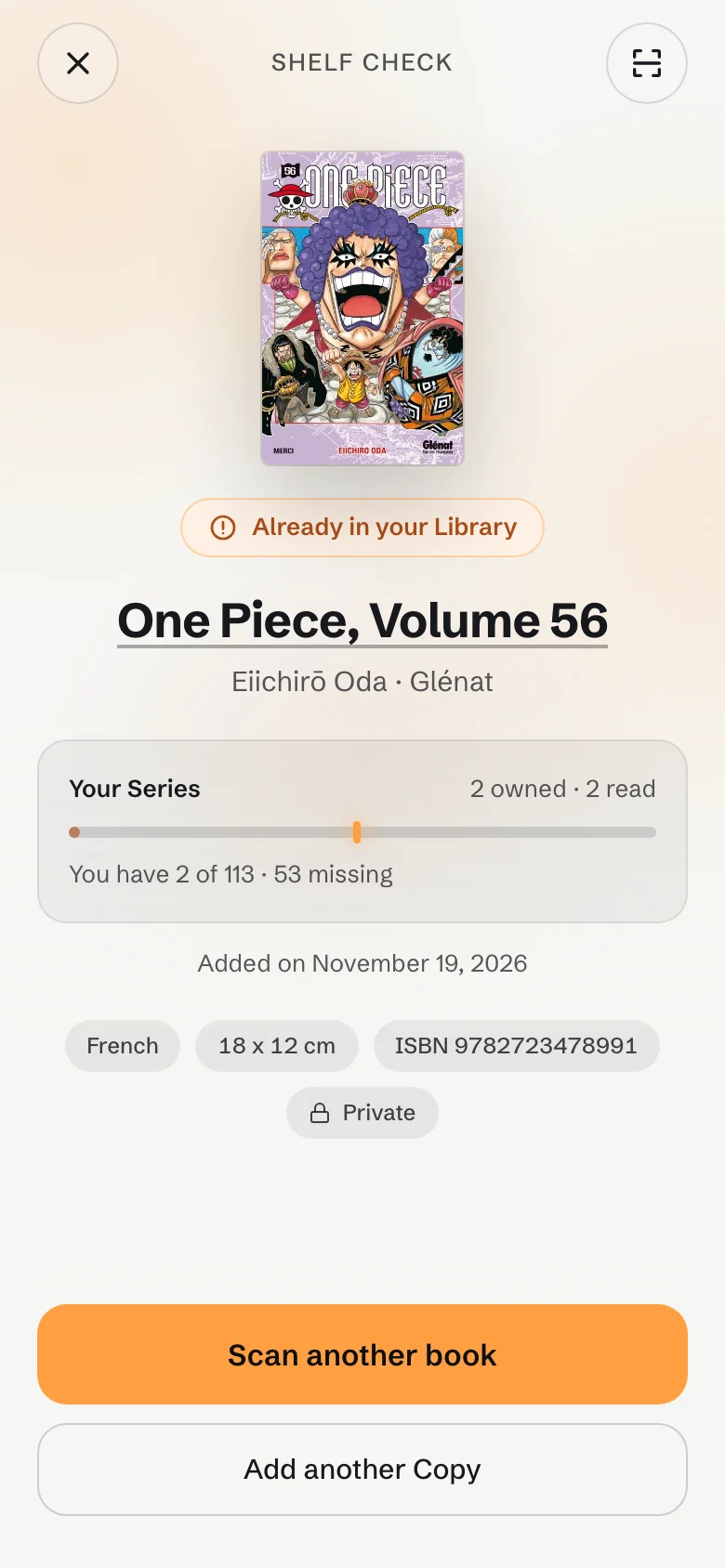
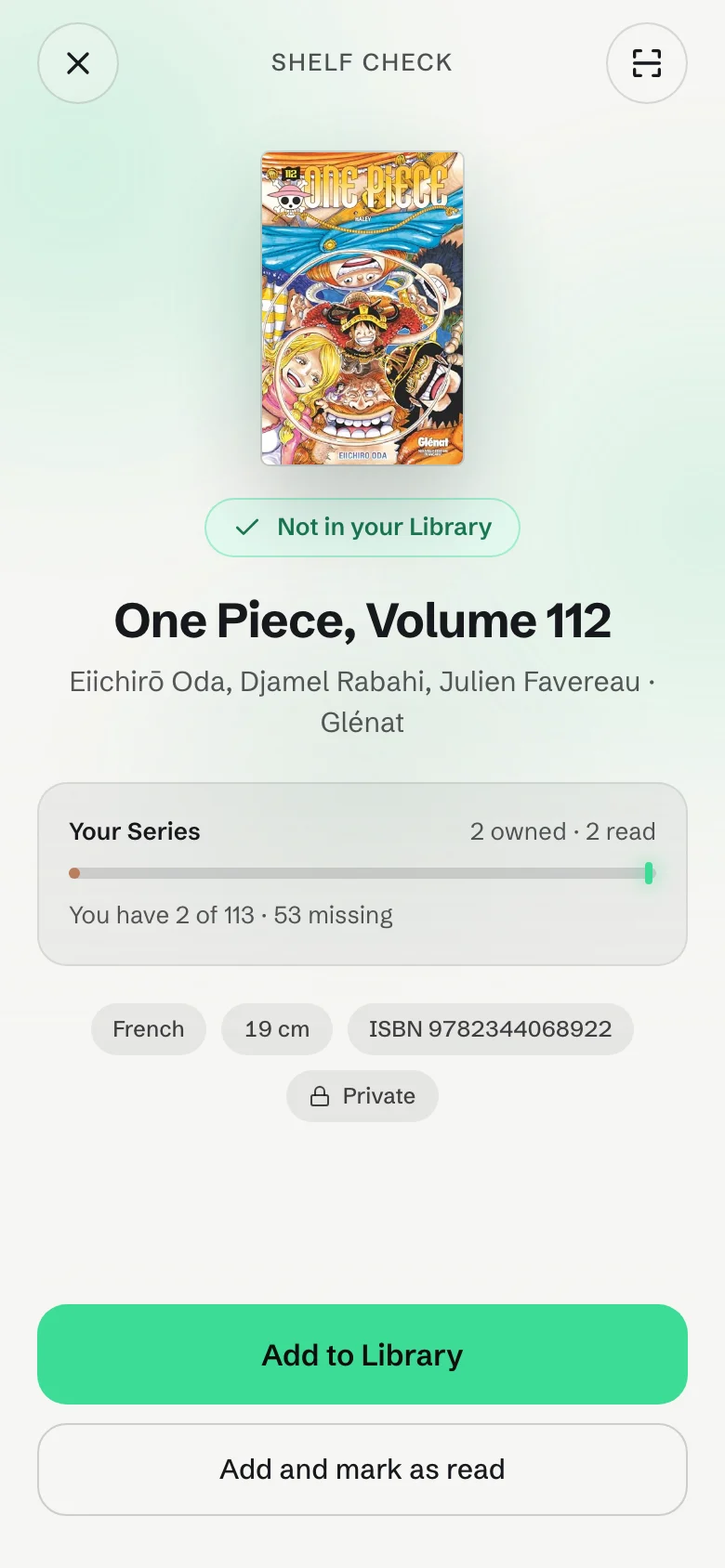
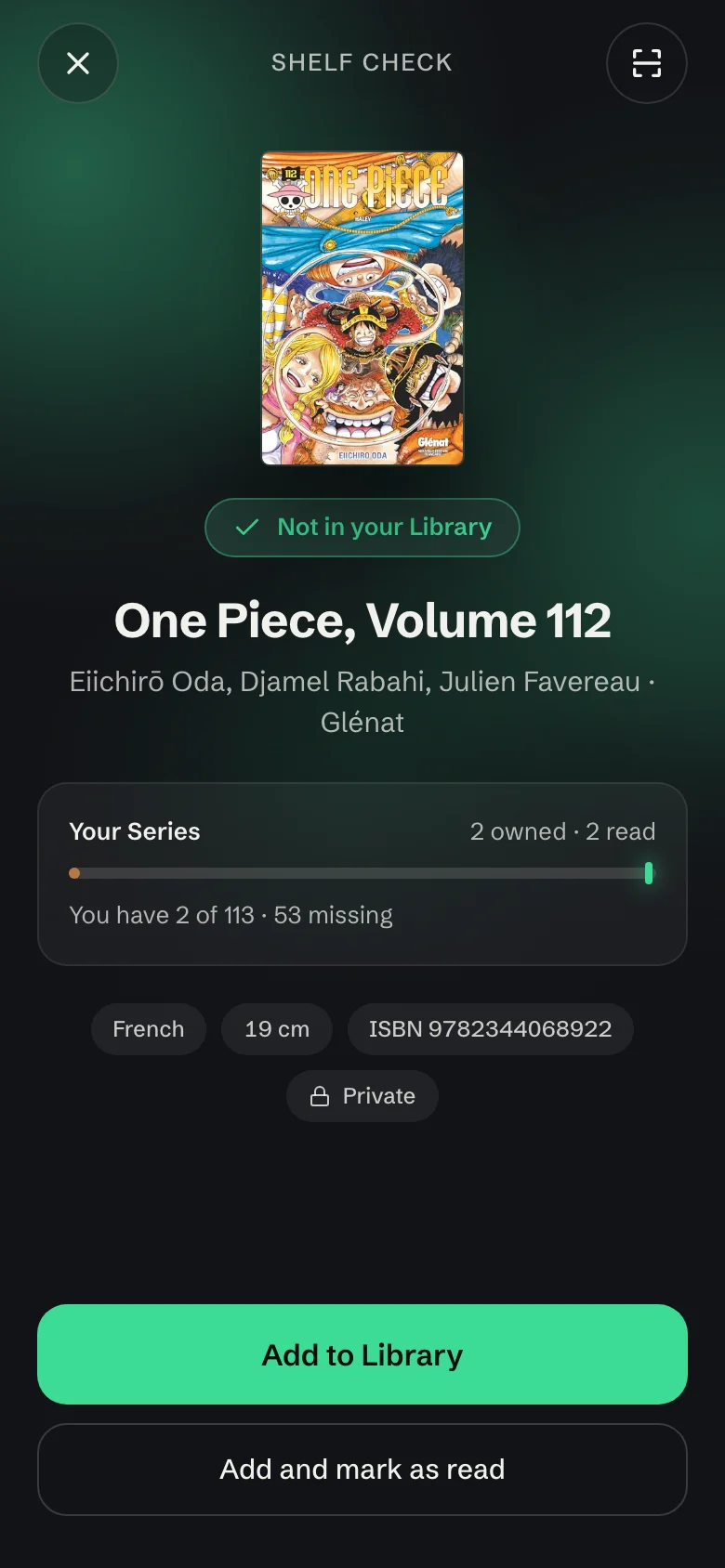
In the shop: do I have this one?
- 1Scan the barcode with your phone, or type the ISBN.
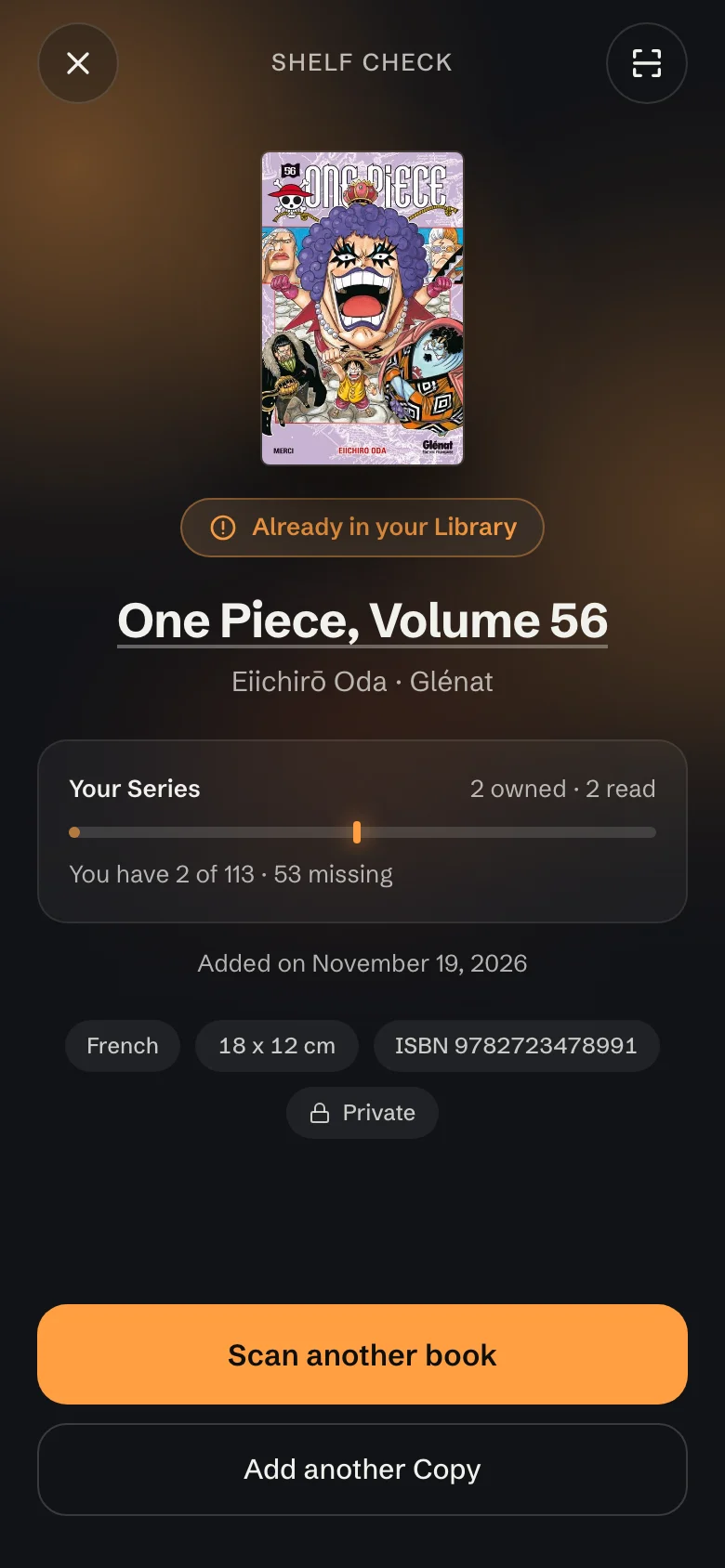
- 2Read the answer in one look. Orange: it is on your shelf. Green: it is not, and it shows where it fits in your Series.
- 3Add it in one tap, read or not. No signal in the shop? It still works.
Features
Everything your shelves need. Nothing they do not.
Your Library
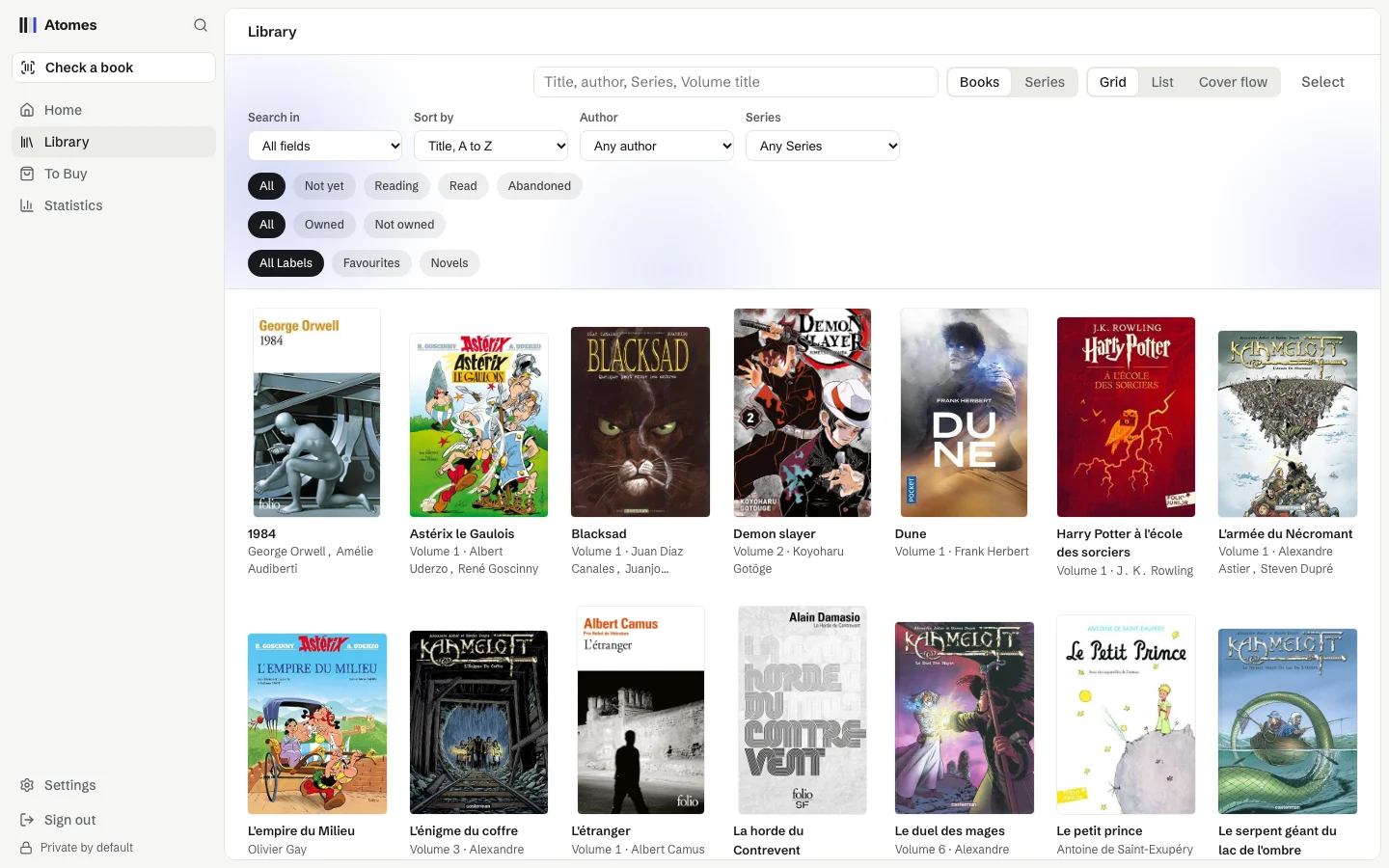
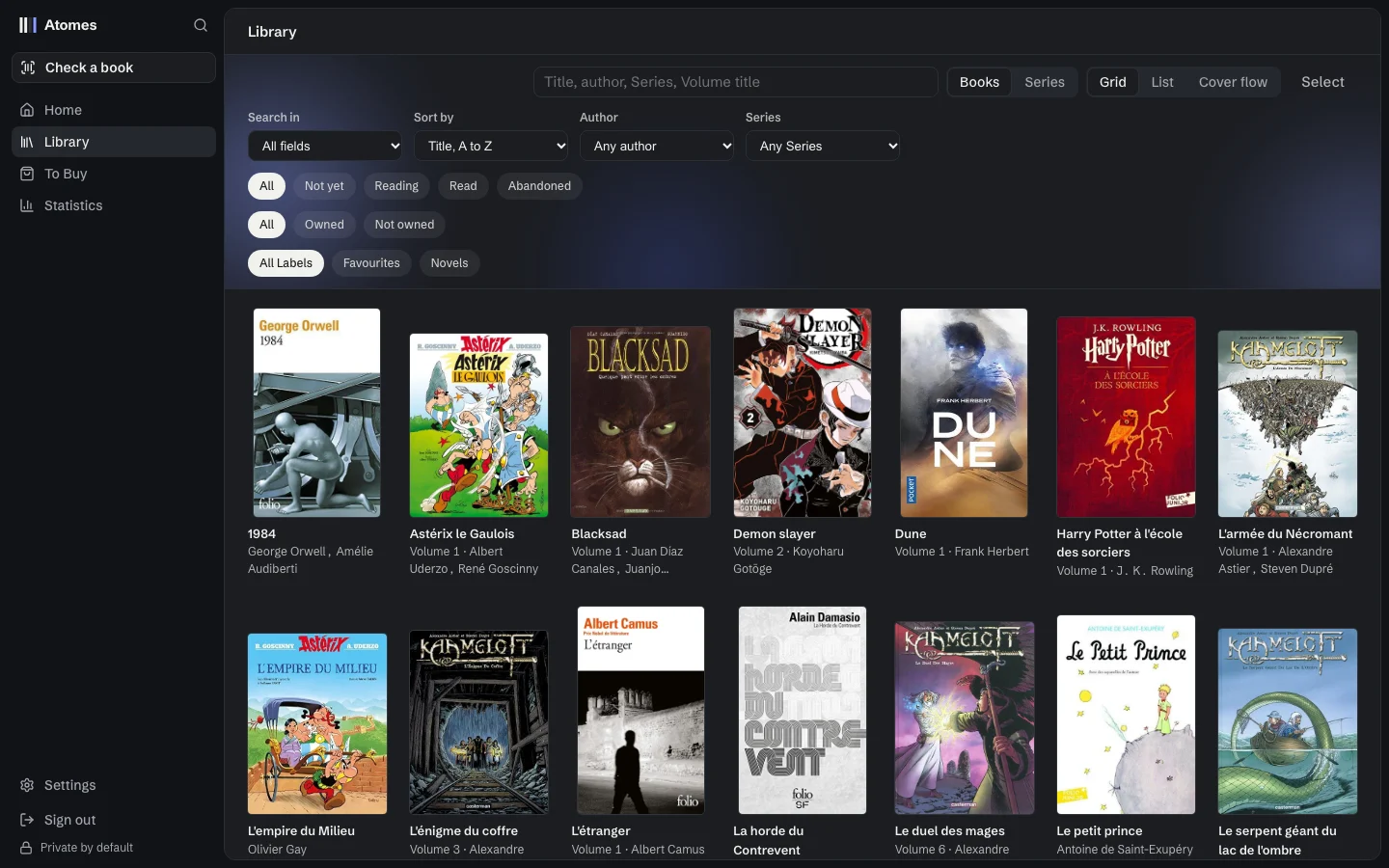
Every book and manga you own or read, in a grid, a list or a cover flow. Search, sort and filter by author, Series, status or Label.
Series and Edition Lines
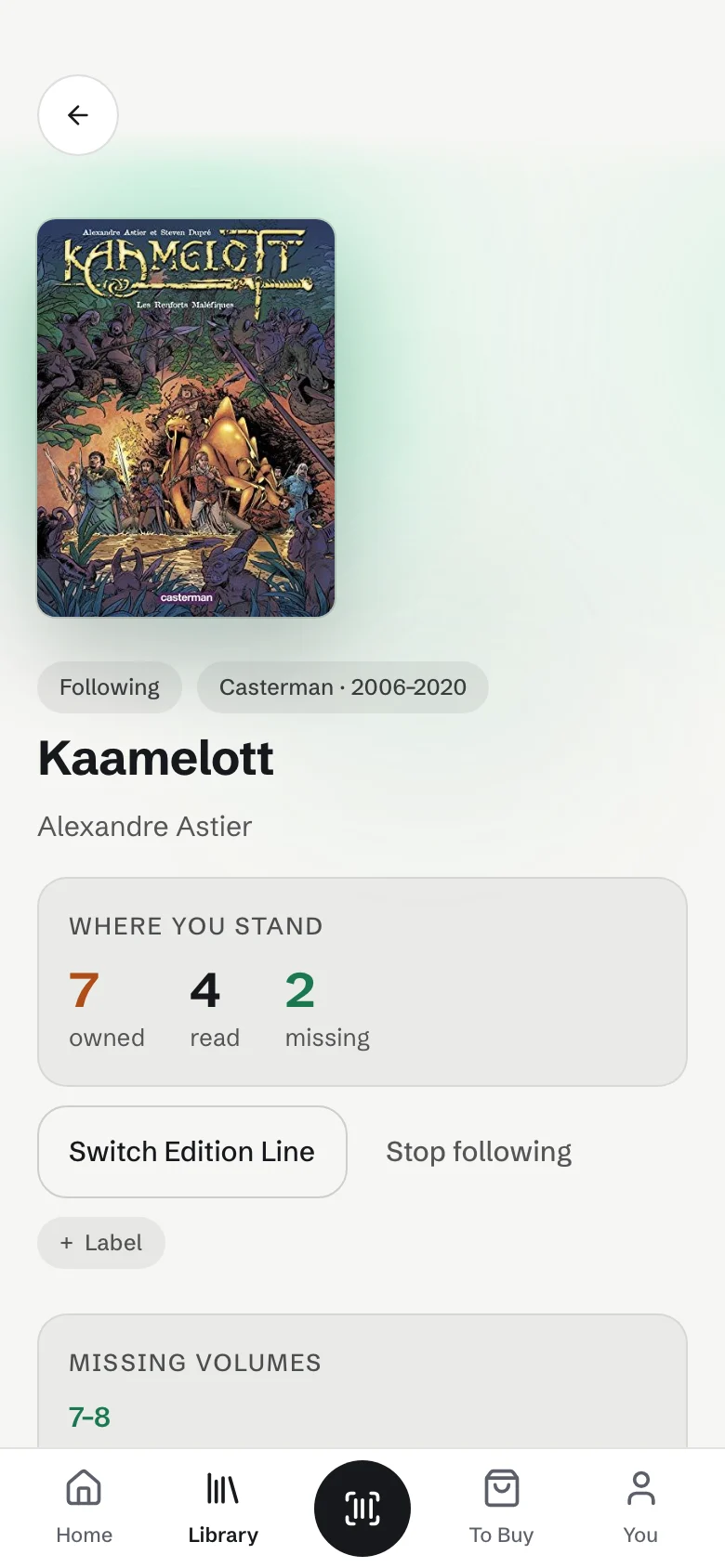
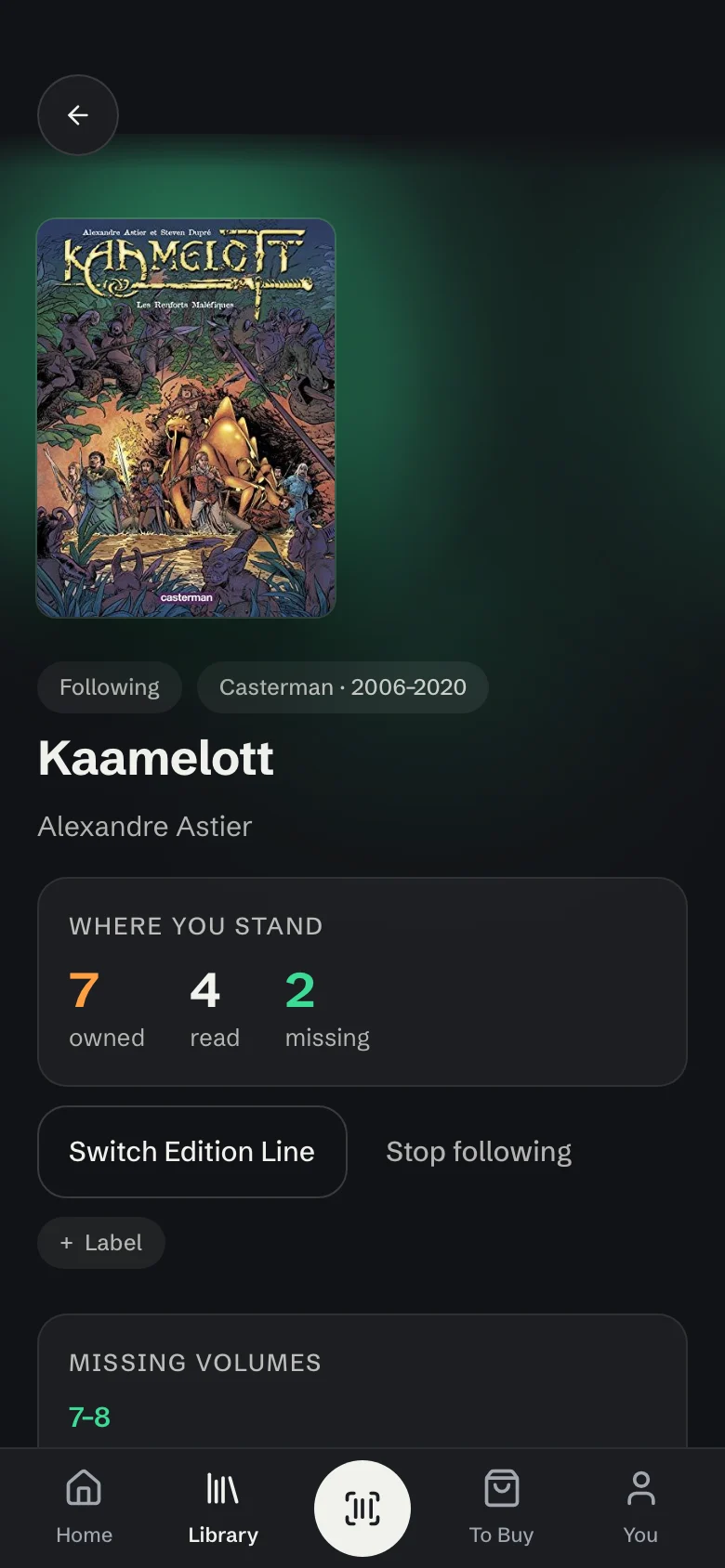
Each Series shows every Volume: owned, read or missing. Each printing of a Series keeps its own line.
Quick Add
Scan the barcode or type the ISBN. Add the earlier Volumes of a Series in one go.
Shelf Check
In the shop, scan a book: orange, it is on your shelf; green, it is not. It works with no signal.
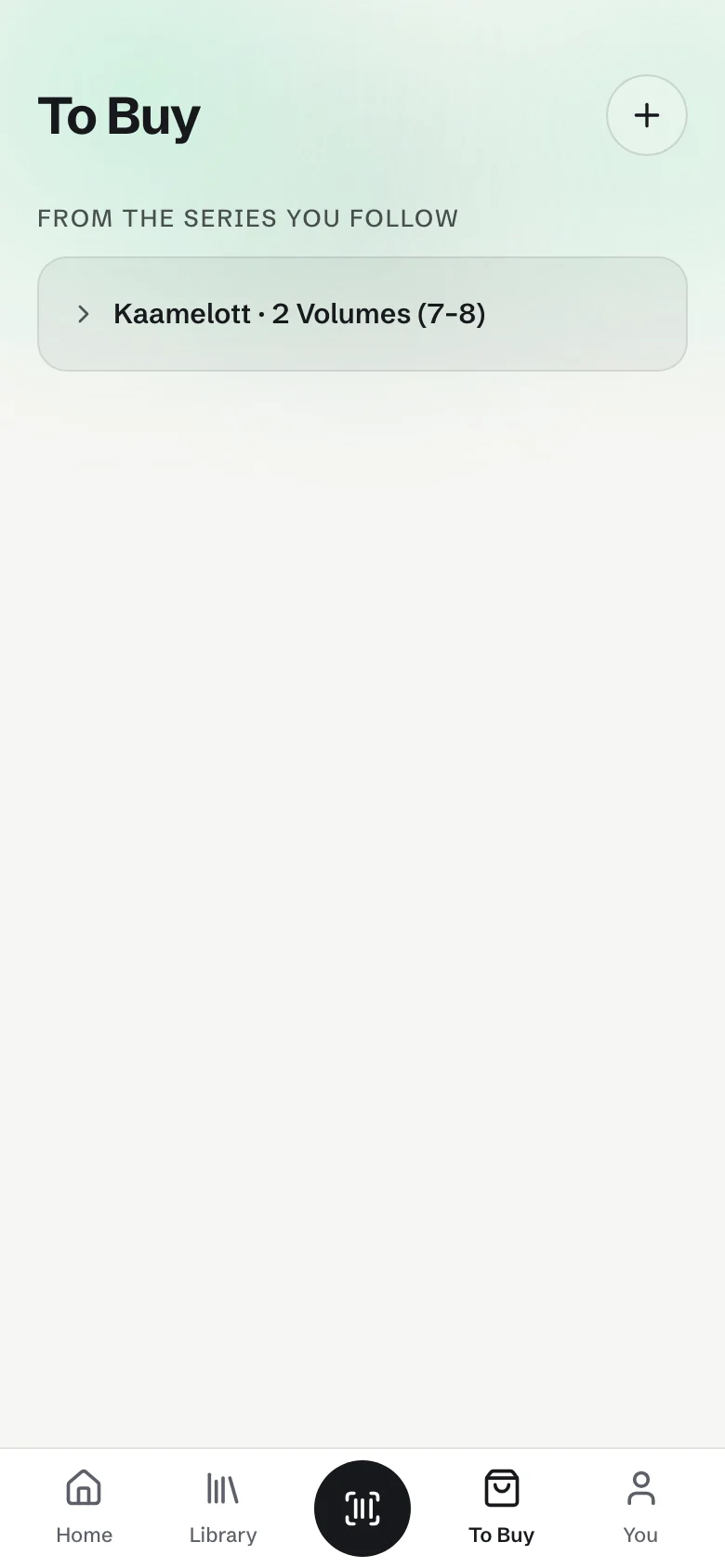
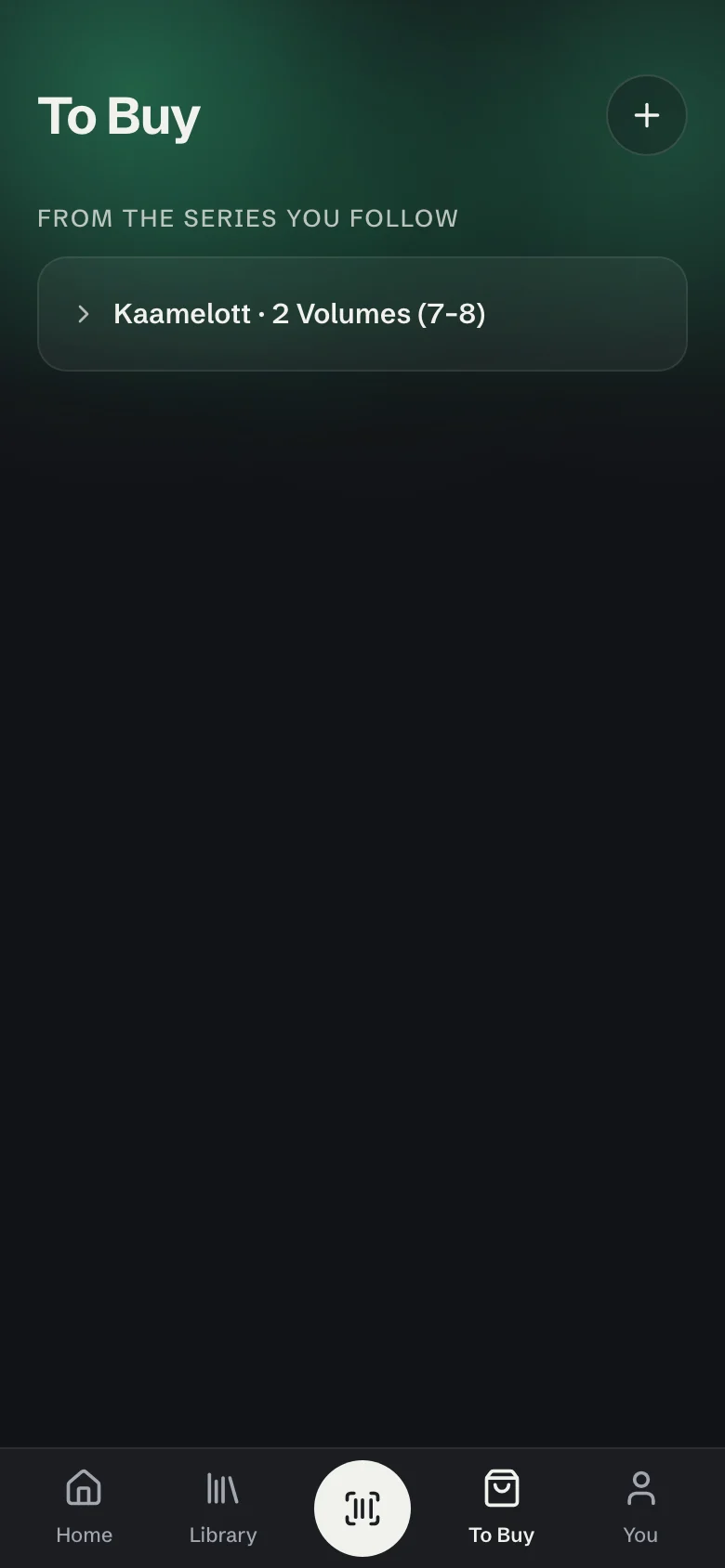
To Buy
The Missing Volumes of the Series you follow, and the books you note by hand, in one list.
Reading Status
Not yet, Reading, Read or Abandoned, with the day you started and finished.
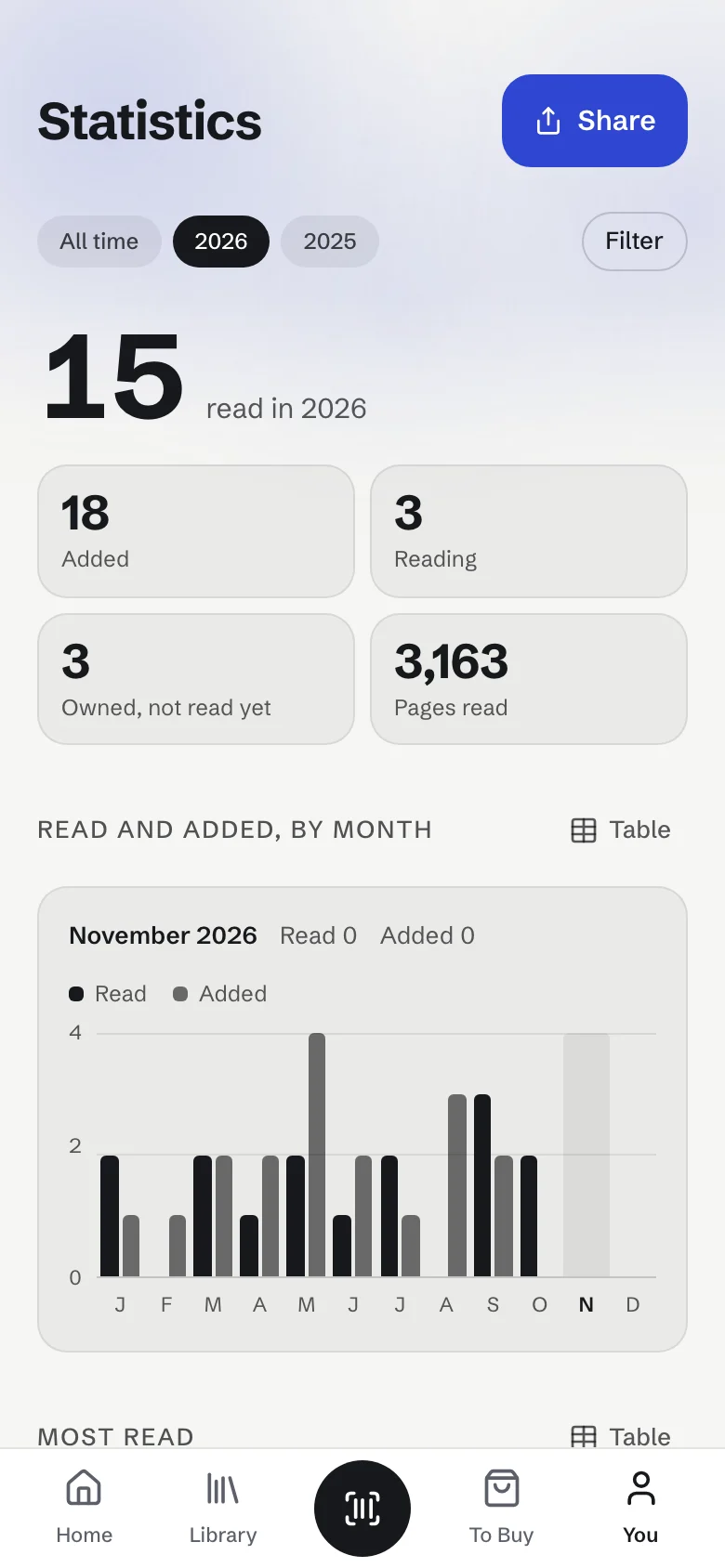
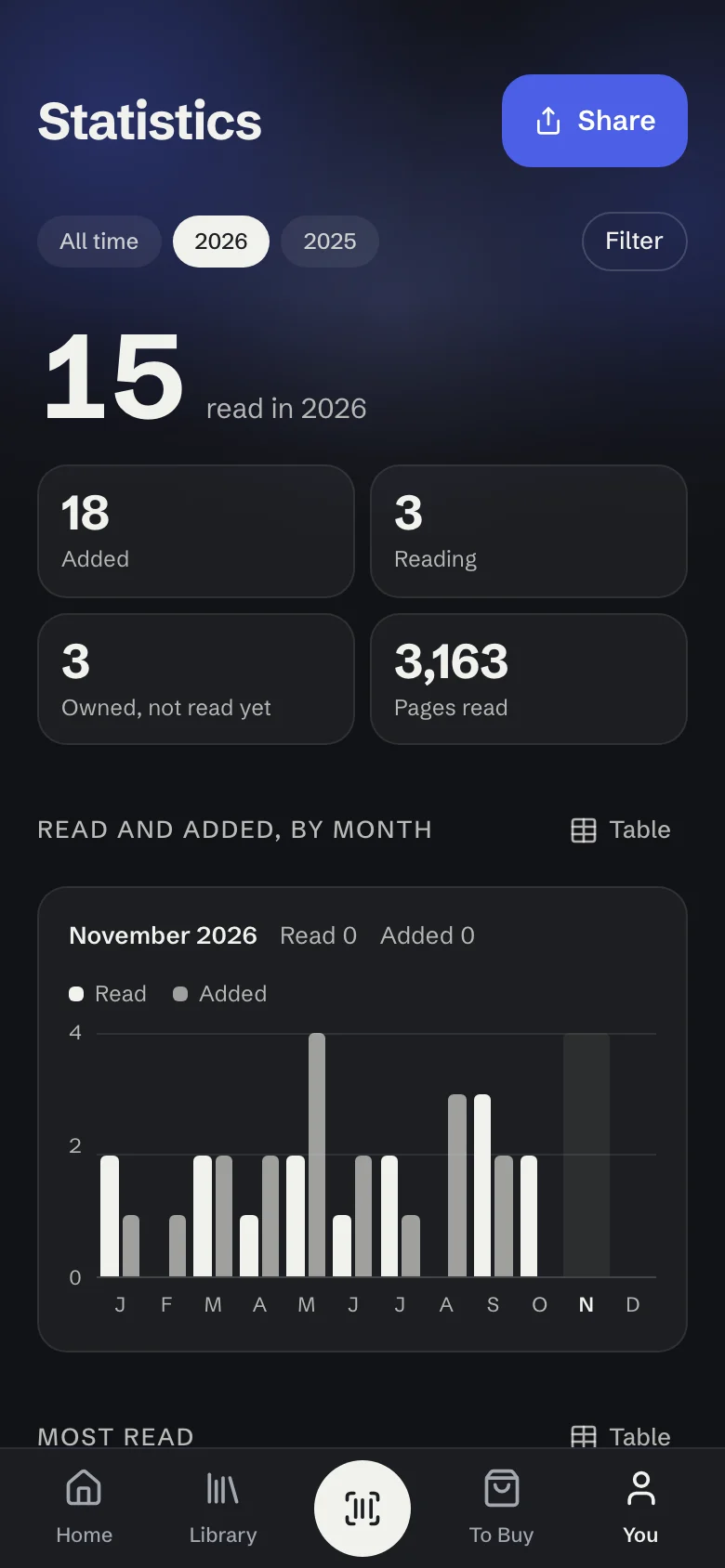
Statistics
Books read and added by month, your most read Series and authors, and a picture to share.
Loans
Note who has your book, and since when.
Labels
Sort your books your own way: on one book or on a whole Series.
Private by default
Only you see your Library. Share by category, with exceptions per book, when you want.
Works offline
Add Atomes to your home screen. Your Library and Shelf Check open with no network.
An open Catalog
Book facts come from open libraries. Readers correct a Series when the sources are wrong.
Your data, always
Export your whole Library as open records. Delete your Account in one step.
Your language, your light
English and French. Light, dark and high contrast.
Philosophy
Your Library belongs to you.
Atomes is built on the AT Protocol, the open network behind Bluesky. On it, your account and what you share are not locked in one app: they live on your own Personal Data Server, and any app can read the open records you choose to share.
An account of your choice
Start with an email address: no password, a code each time. Link a Bluesky or other AT Protocol account only if you want to share.
Private by default
Nothing you add is public. You choose what to share, by category, and you can keep any single book apart.
What you share stays yours
Shared records go to your own Personal Data Server, in open lexicons under the MIT license. Any app can read them; you can leave with them.
No feed, no ads, no tracking
No timeline, no recommendation engine, no analytics. Atomes does one job: your shelves.
Open source
Read the code. Run your own.
- AGPL-3.0 for the app and the Catalog: improvements stay open.
- MIT for the
app.atomes.*lexicons: any app can use them. - One Docker image, Node.js and SQLite. A small server is enough.
- Off-host backups to any S3-compatible storage.
- An admin panel for Invites, Accounts and Admins, in the browser, with an Admin Log of each action.
docker build -t atomes .
docker run -d -p 4321:4321 -v atomes-data:/data \
  -e PUBLIC_APP_ORIGIN=https://books.example.org \
  -e SESSION_ENCRYPTION_KEY=… \
  -e SMTP_URL=smtps://…  -e MAIL_FROM=… \
  atomes
Built on
Built on the work of others. Thank you.
Atomes stands on open-source projects and open book data. Their authors made this possible.
- AstroWeb frameworkThe Astro team and contributors
- PreactInteractive screensJason Miller and contributors
- AT ProtocolAccounts, records, lexiconsBluesky Social and contributors
- LucideIconsThe Lucide community, from Feather by Cole Bemis
- Schibsted GroteskTypefaceThe Schibsted Grotesk Project Authors, packaged by Fontsource
- zxing-wasm and barcode-detectorBarcode readingZe-Zheng Wu (Sec-ant), on ZXing C++
- Node.js and SQLiteServer and storageThe OpenJS Foundation; D. Richard Hipp and the SQLite team
- NodemailerSign-in Code mailsAndris Reinman
- Playwright and VitestTestsMicrosoft; the Vitest team
- CoolifySelf-hostingAndras Bacsai and contributors
- LinearThe idea of the app frameFrom "How we redesigned the Linear UI"
Book data
Start your Library.
Invite-only for now: ask a friend who reads with Atomes for an Invite, or run your own instance.